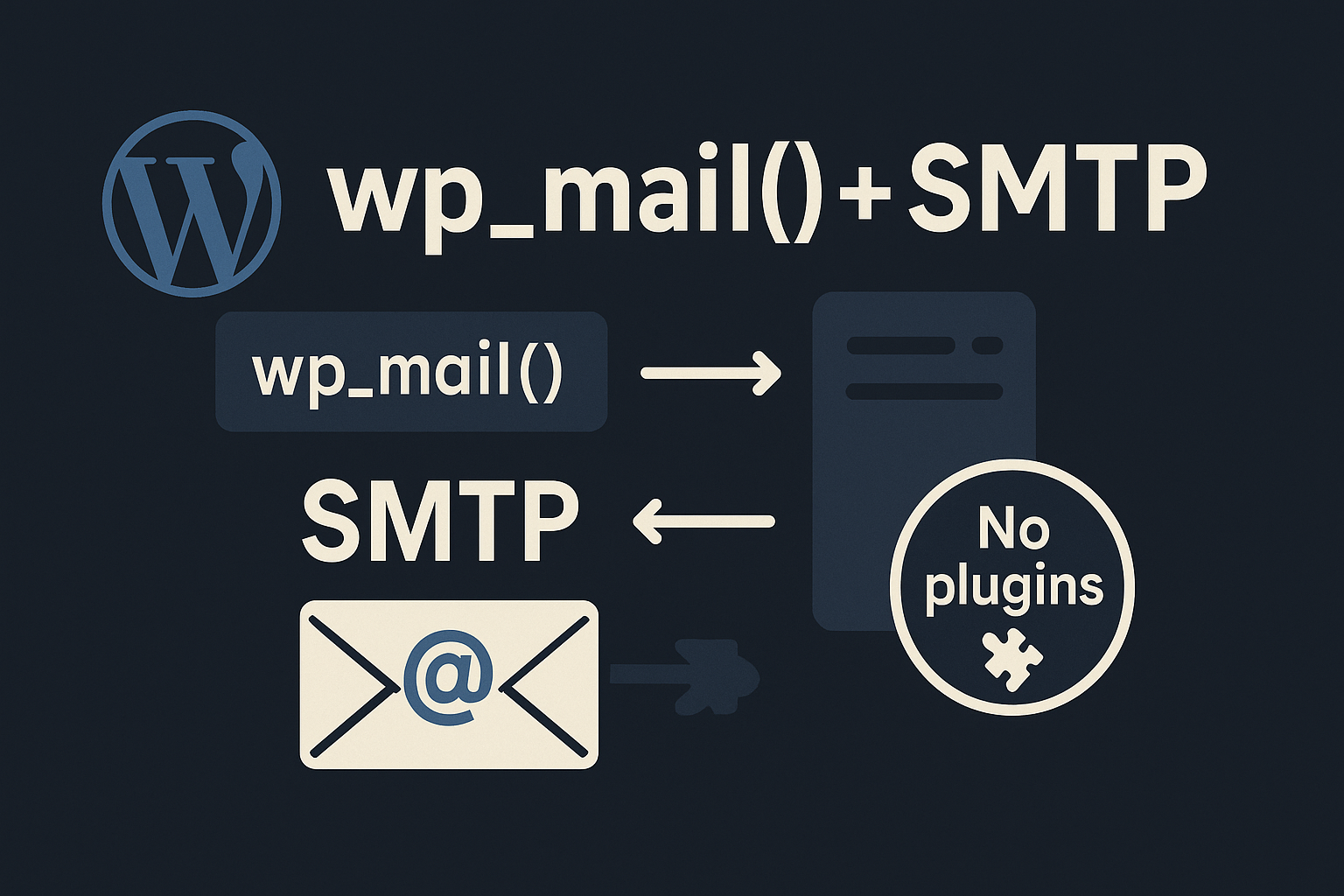
TL;DR: You don’t need a plugin to send WordPress email over SMTP. Define SMTP creds in wp-config.php and hook phpmailer_init in your theme (or a small “must-use” mu-plugin) to configure PHPMailer. Test with wp_mail() or WP-CLI.
Why do this?
- Reliability: Many hosts block
mail()or throttle it. SMTP via your transactional provider (Postmark, SendGrid, Mailgun, SES, etc.) is far more deliverable. - Security & control: Keep credentials outside the DB, version your code, and avoid plugin bloat.
- Portability: Same approach works on shared hosts, VPS, and containers.
Assumptions: You’re comfortable editing theme files / mu-plugins and have SMTP credentials from a provider. Tested on modern WordPress 6.x.
Step 1 – Put SMTP secrets in wp-config.php
Add constants so code doesn’t hardcode secrets.
// wp-config.php

define('SMTP_HOST',    'smtp.example.com');
define('SMTP_PORT',    587);
define('SMTP_USER',    '[email protected]');
define('SMTP_PASS',    'super-secret-password');
define('SMTP_SECURE',  'tls'); // 'tls' or 'ssl' or '' (empty for none)
define('SMTP_AUTH',    true);
define('SMTP_FROM',    '[email protected]');
define('SMTP_NAME',    'Example Site');
Step 2 – Configure PHPMailer via phpmailer_init
Add this to your theme’s functions.php, a small site-specific plugin, or better a file in wp-content/mu-plugins/ (loads on every request, independent of theme).
<?php
// wp-content/mu-plugins/smtp.php (create the /mu-plugins dir if needed)

add_action('phpmailer_init', function ($phpmailer) {
    // Force SMTP
    $phpmailer->isSMTP();

    // Core SMTP settings
    $phpmailer->Host       = defined('SMTP_HOST') ? SMTP_HOST : 'localhost';
    $phpmailer->Port       = defined('SMTP_PORT') ? (int)SMTP_PORT : 25;
    $phpmailer->SMTPAuth   = defined('SMTP_AUTH') ? (bool)SMTP_AUTH : false;
    $phpmailer->Username   = defined('SMTP_USER') ? SMTP_USER : '';
    $phpmailer->Password   = defined('SMTP_PASS') ? SMTP_PASS : '';

    // Encryption: 'tls', 'ssl', or '' (none)
    $phpmailer->SMTPSecure = defined('SMTP_SECURE') ? SMTP_SECURE : '';

    // Avoid STARTTLS surprises when no encryption is set
    if (empty($phpmailer->SMTPSecure)) {
        $phpmailer->SMTPAutoTLS = false;
    }

    // From headers (fallbacks if constants not defined)
    $phpmailer->setFrom(
        defined('SMTP_FROM') ? SMTP_FROM : get_bloginfo('admin_email'),
        defined('SMTP_NAME') ? SMTP_NAME : get_bloginfo('name'),
        false // don't override Reply-To automatically
    );
});

// (Optional) Keep WP filters in sync with your From headers
add_filter('wp_mail_from', function ($email) {
    return defined('SMTP_FROM') ? SMTP_FROM : $email;
});

add_filter('wp_mail_from_name', function ($name) {
    return defined('SMTP_NAME') ? SMTP_NAME : $name;
});
That’s it. Every wp_mail() call now uses your SMTP server.
Step 3 – Test it
Quick PHP test inside WordPress
Create a temporary admin-only route or use a throwaway snippet:
wp_mail(
  get_option('admin_email'),
  'SMTP test from ' . get_bloginfo('name'),
  "If you're reading this, SMTP is configured.\n\nTime: " . wp_date('c')
);
WP-CLI (preferred)
# From your WP root
wp eval "var_dump( wp_mail( '[email protected]', 'SMTP test', 'Hello from WP-CLI' ) );"
If it returns bool(true) and you receive the email, you’re good.
Common provider examples
Replace host, ports, and security according to your provider’s docs.
SendGrid / Mailgun / Postmark (SMTP):
- Host: provided by vendor (e.g.,
smtp.sendgrid.net) - Port:
587(TLS) or465(SSL) - Secure:
tlsorssl - Auth:
true - Username/Password: API key pattern per vendor
Amazon SES (SMTP):
- Host:
email-smtp.<region>.amazonaws.com - Port:
587(TLS) or465(SSL) - Username/Password: SES SMTP credentials (generated in console)
Gmail / Google Workspace (less ideal for production):
- Host:
smtp.gmail.com - Port:
587(TLS) - Use an App Password (2FA required), not your account password.
Troubleshooting & gotchas
- “Connection timed out / refused”
Your host may block outbound SMTP ports (25/587/465). Open a ticket or proxy through a supported port. - STARTTLS errors when
SMTPSecureis empty
Set$phpmailer->SMTPAutoTLS = false;as shown to avoid opportunistic TLS if your server doesn’t advertise it correctly. - Mixed “From” behavior
Some providers (e.g., SES) require sending from a verified domain. UseSMTP_FROMwith a verified address. - Multiple hooks fighting
Other plugins may also hookphpmailer_init. Move your code tomu-pluginsto run early and ensure your settings win, or add priorities. - Don’t log secrets
If you temporarily enable debugging:add_action('phpmailer_init', function ($phpmailer) { $phpmailer->SMTPDebug = 2; // verbose to error_log $phpmailer->Debugoutput = static function ($str, $level) { error_log("SMTP[$level] $str"); }; }, 20);Remove this in production and never dump usernames or passwords. - Credential storage
Keep secrets inwp-config.phpoutside version control. Avoid committing them.
When a plugin still makes sense
If non-technical admins must switch providers, track deliverability, or add per-recipient routing, a reputable SMTP plugin provides a GUI and health checks. For lean, developer-run sites, the lightweight code approach above is faster and safer.
Full minimal snippet (copy-paste)
wp-config.php
define('SMTP_HOST',   'smtp.example.com');
define('SMTP_PORT',   587);
define('SMTP_USER',   '[email protected]');
define('SMTP_PASS',   'super-secret-password');
define('SMTP_SECURE', 'tls'); // 'ssl' | 'tls' | ''
define('SMTP_AUTH',   true);
define('SMTP_FROM',   '[email protected]');
define('SMTP_NAME',   'Example Site');
wp-content/mu-plugins/smtp.php
<?php
/*
Plugin Name: Site SMTP (No Plugins Needed)
Description: Forces all wp_mail() to use provider SMTP.
*/

add_action('phpmailer_init', function ($phpmailer) {
    $phpmailer->isSMTP();
    $phpmailer->Host       = SMTP_HOST;
    $phpmailer->Port       = (int)SMTP_PORT;
    $phpmailer->SMTPAuth   = (bool)SMTP_AUTH;
    $phpmailer->Username   = SMTP_USER;
    $phpmailer->Password   = SMTP_PASS;
    $phpmailer->SMTPSecure = SMTP_SECURE;
    if (empty($phpmailer->SMTPSecure)) {
        $phpmailer->SMTPAutoTLS = false;
    }
    $phpmailer->setFrom(SMTP_FROM, SMTP_NAME, false);
});

add_filter('wp_mail_from',      fn($email) => SMTP_FROM);
add_filter('wp_mail_from_name', fn($name)  => SMTP_NAME);
FAQ
Does this survive theme changes?
Yes – if you place it in mu-plugins. If you put the hook in a theme’s functions.php, it depends on that theme.
Will core updates overwrite this?
No, your wp-config.php and mu-plugins/ are untouched by core updates.
Can I send different “From” per site on multisite?
Yes – set per-site constants (domain-specific wp-config.php).
If you’d like us to wire this up across environments (dev/stage/prod), integrate with your provider, and add basic delivery checks, we can help. We build scalable, reliable WordPress and Laravel systems with lean ops.

Discussion
Comments